8 Creative 360 Video Reframing Ideas with Gimbal Guru
For those of you who are familiar with 360 video, you’ll know there are endless editing possibilities. For anyone new to the process; you are in for a world of creative discovery! You can make the same piece of raw 360 footage look completely different, simply by applying different reframing techniques in post-production. So, in this Creator Tips video, the awesome @Gimbal Guru does just that! One piece of footage, eight amazing reframing ideas, all edited using the Insta360 Studio software! Watch on for step-by-step instruction through the editing process for cool editing ideas including: 360 look around shots, Tiny Planet shot, fake drone shot, tilt shot, 360 roll and more! This footage was shot on Insta360 ONE X2 but you are able to use the techniques described with our other 360 cameras including Insta360 ONE R and Insta360 ONE X. We hope you enjoy the video, and feel free to let us know in the comments about any techniques you guys have developed!
#Shoot 1
360 Look around shot -01:41
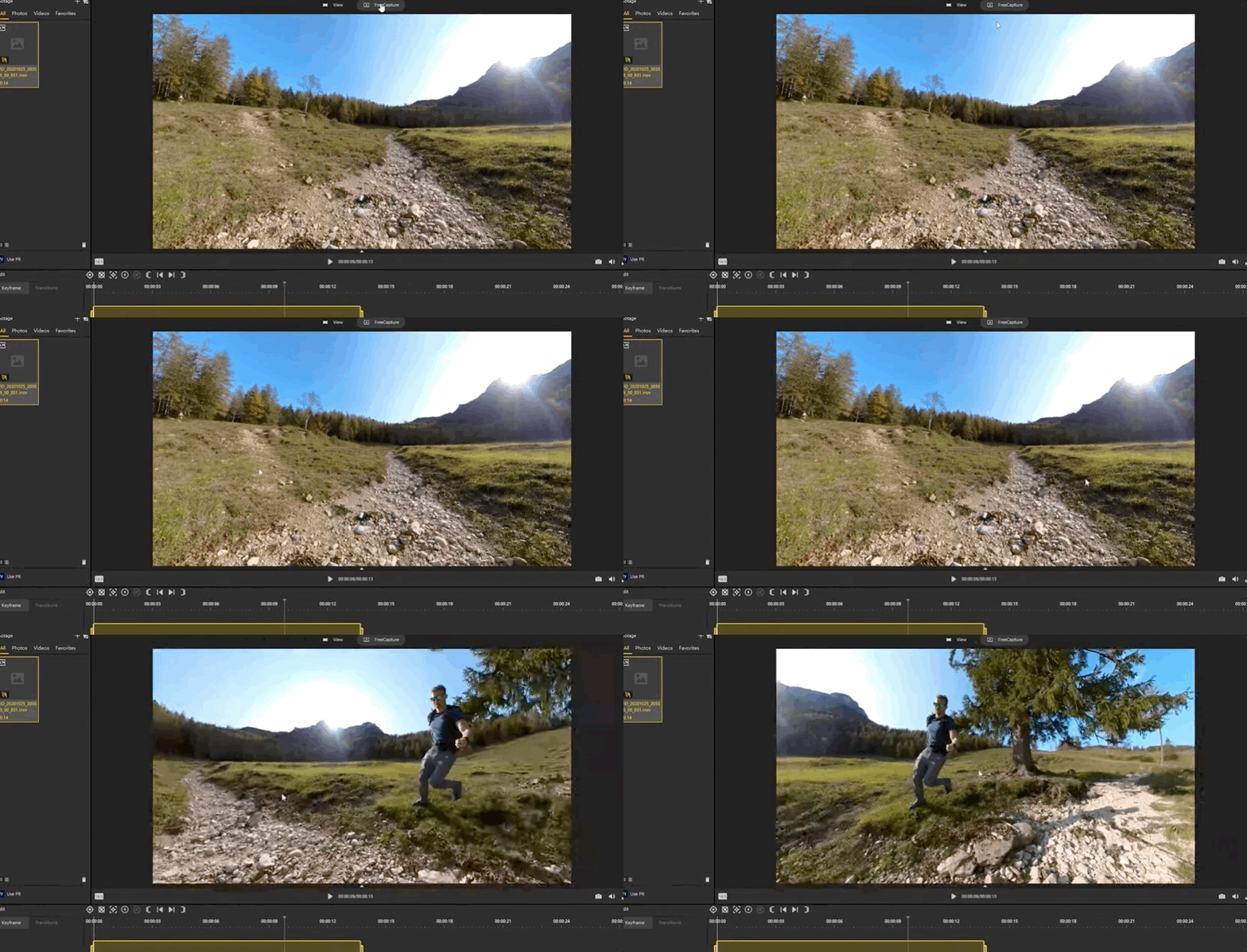
The reframed footage 👇
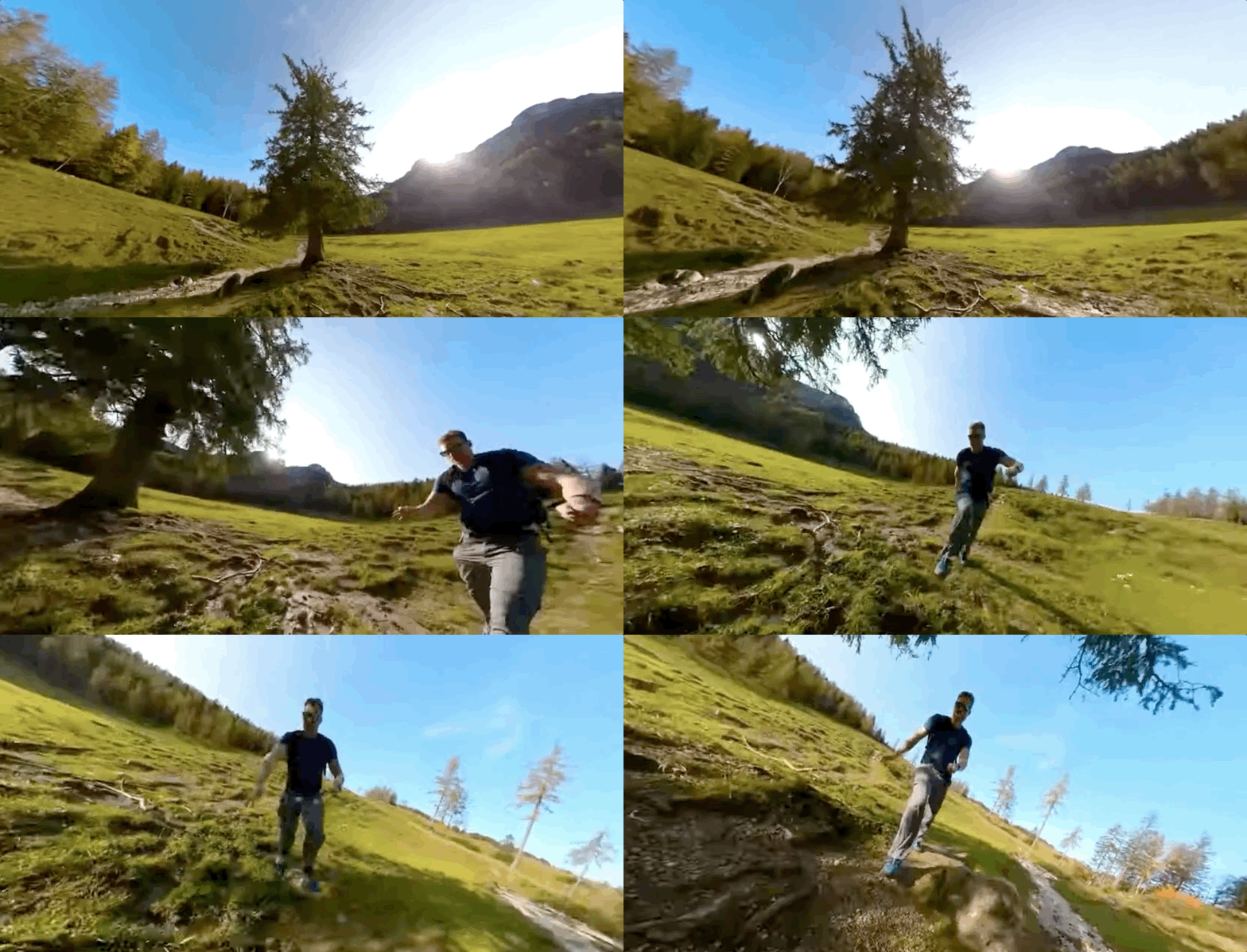
#Shoot 2
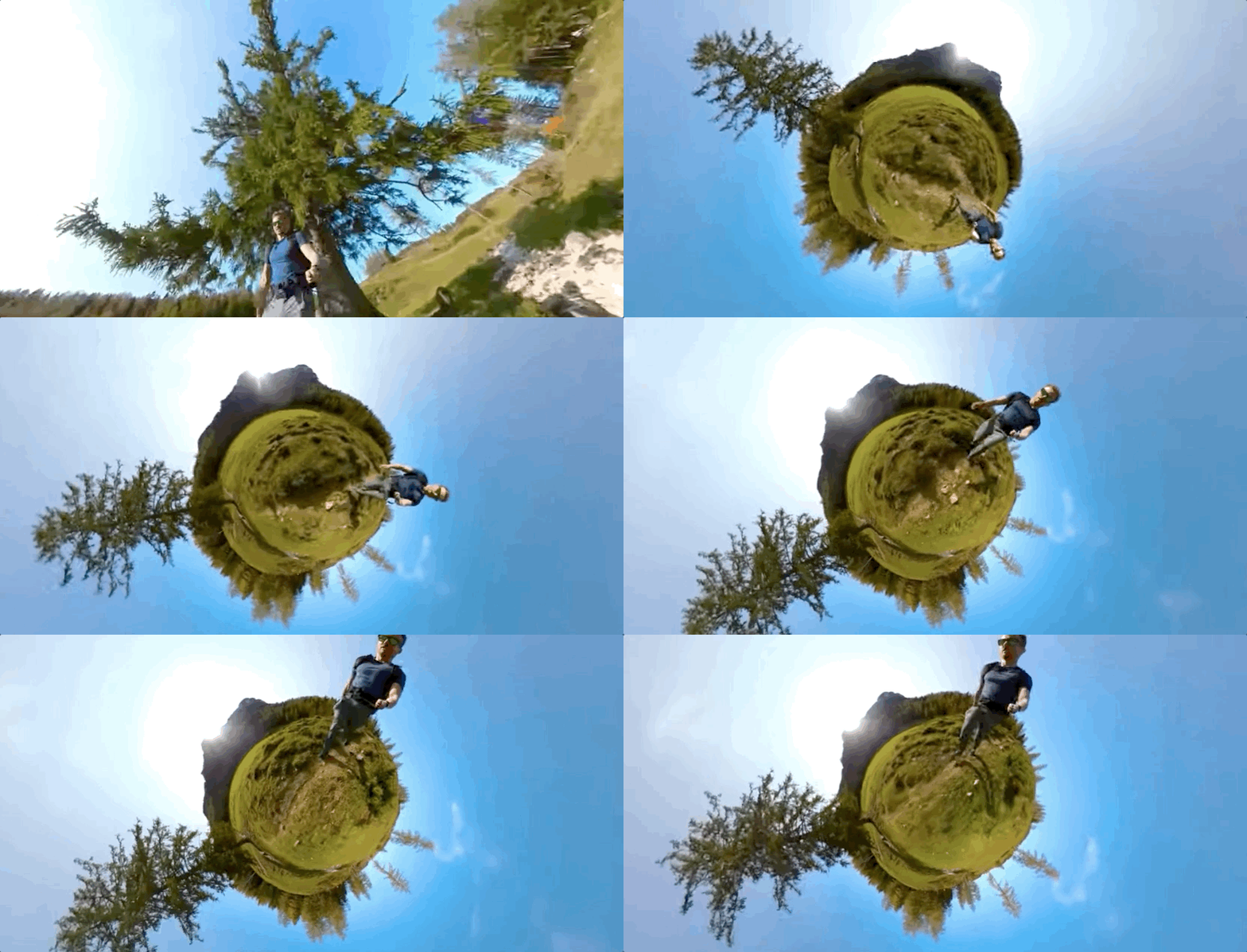
Tiny Planet -04:17
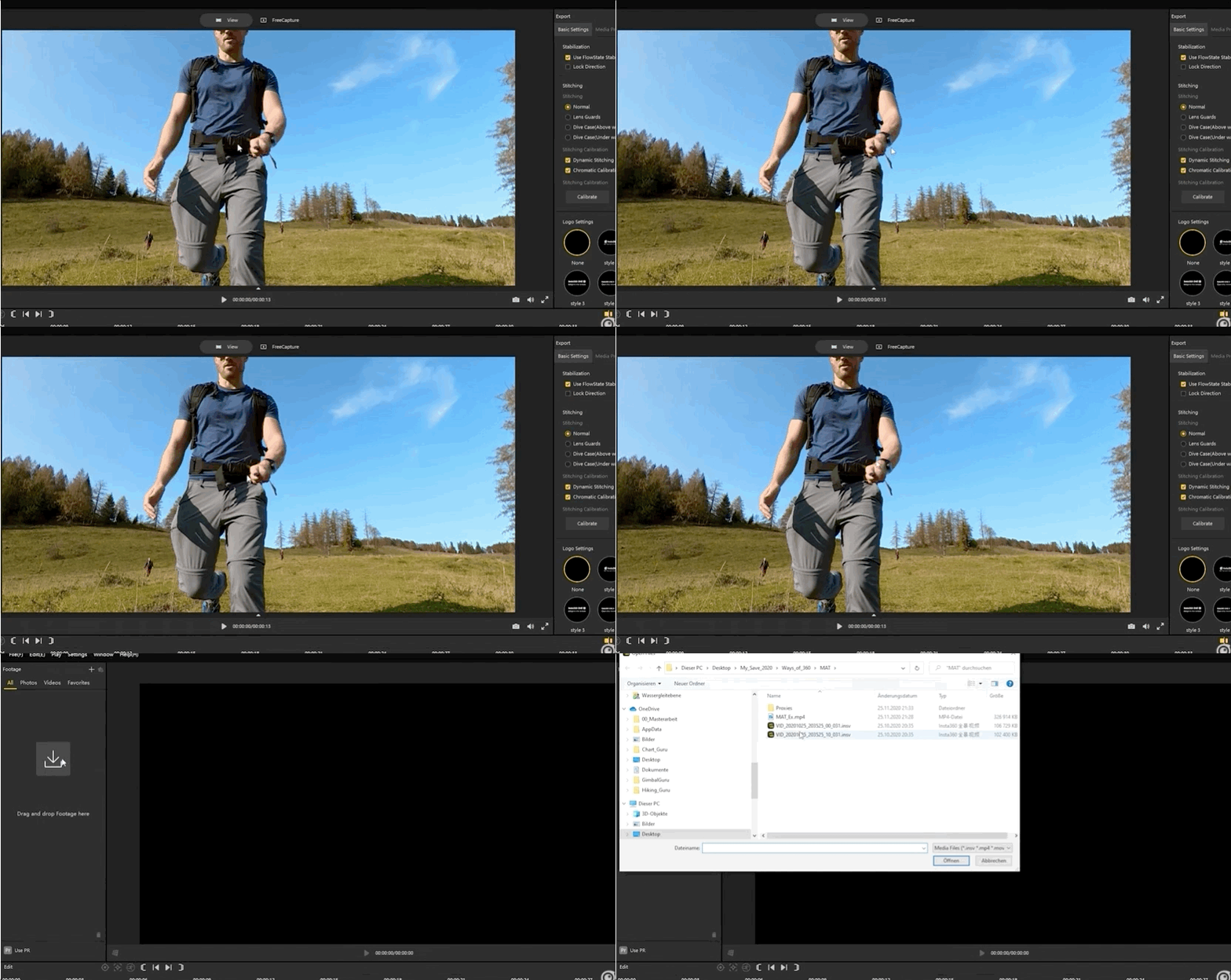
#Shoot 3
Invisible Selfie Stick -05:13
#Shoot 4
Fake drone shot -07:08
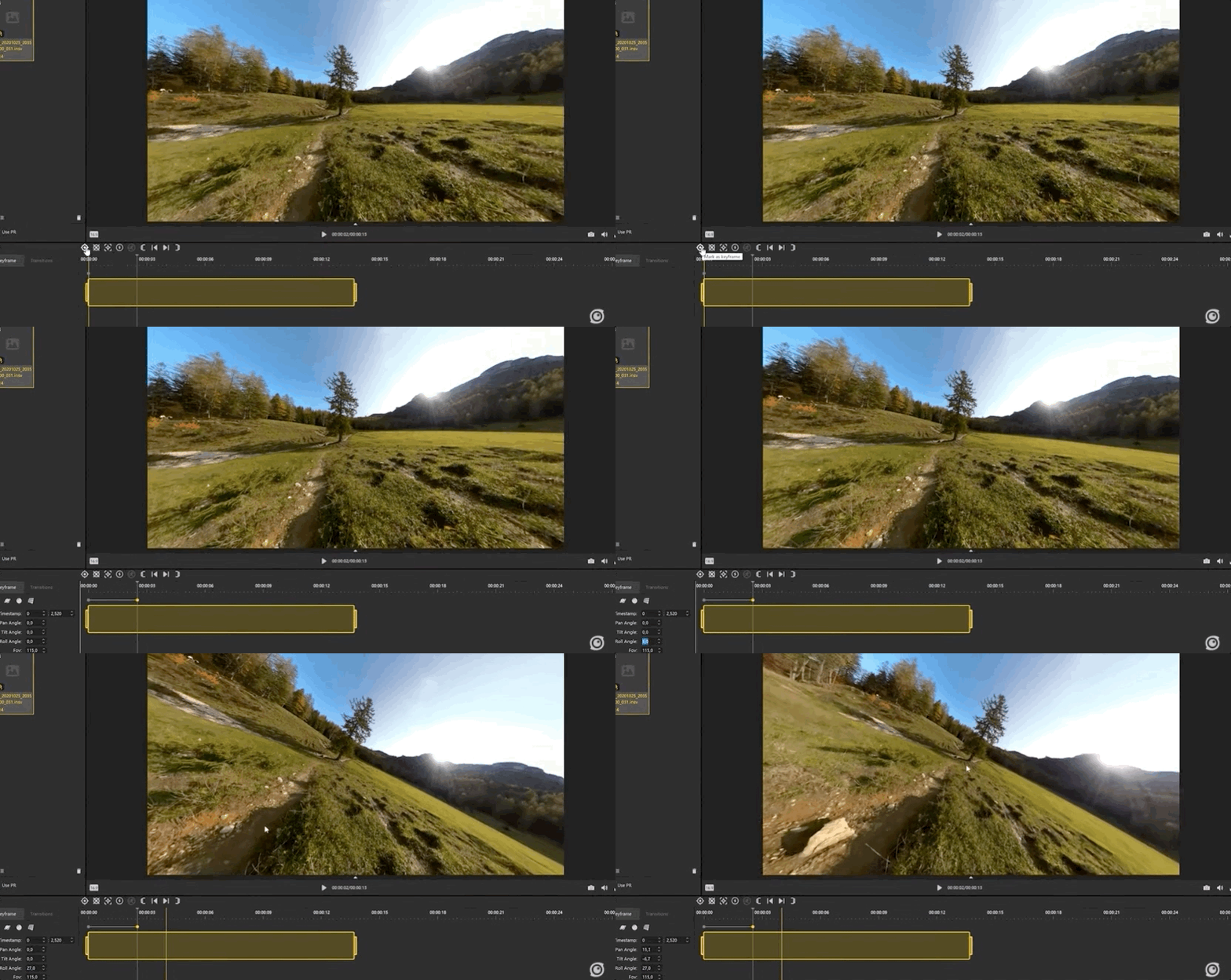
The reframed footage 👇
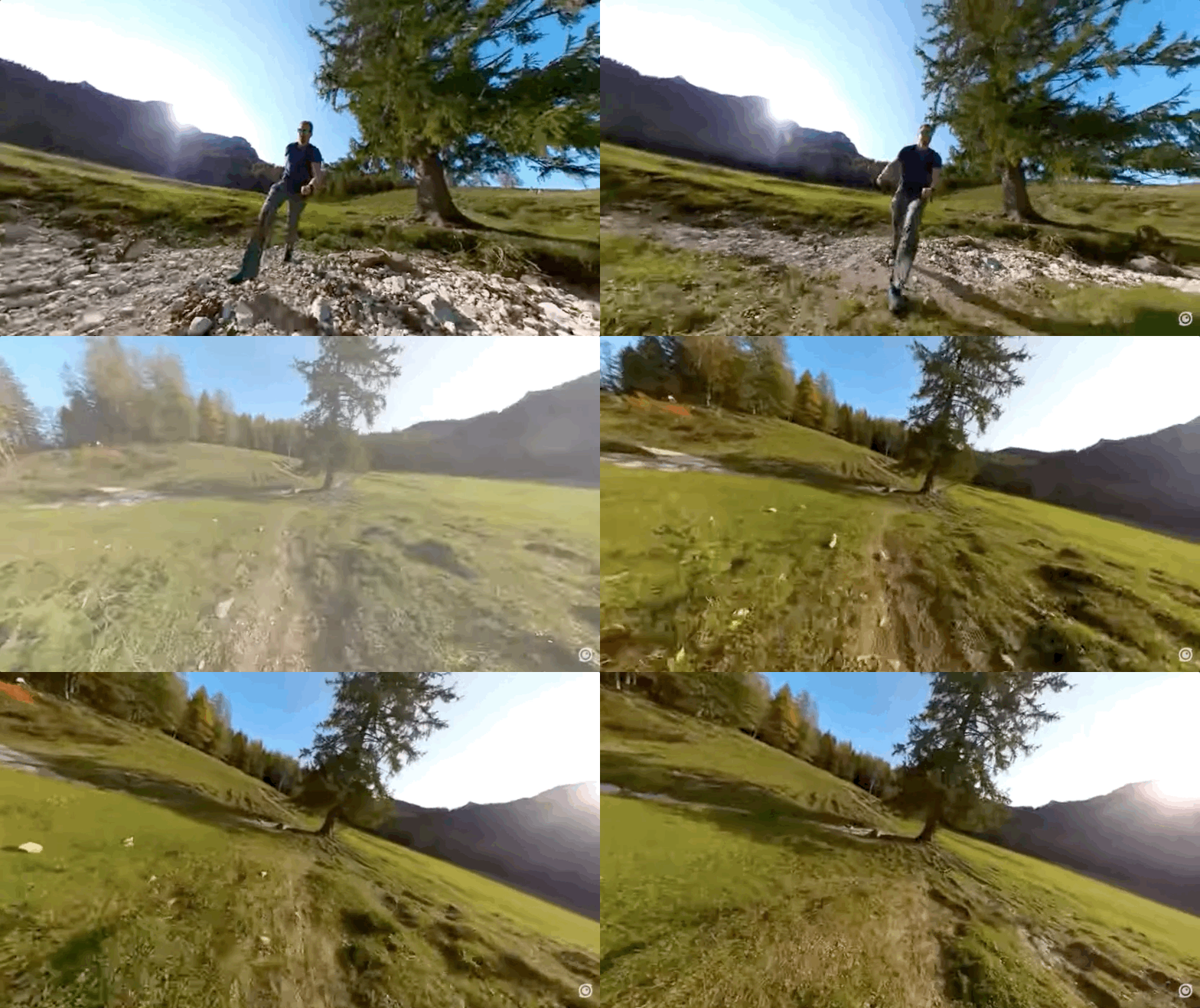
#Shoot 5
Object tracking -08:23
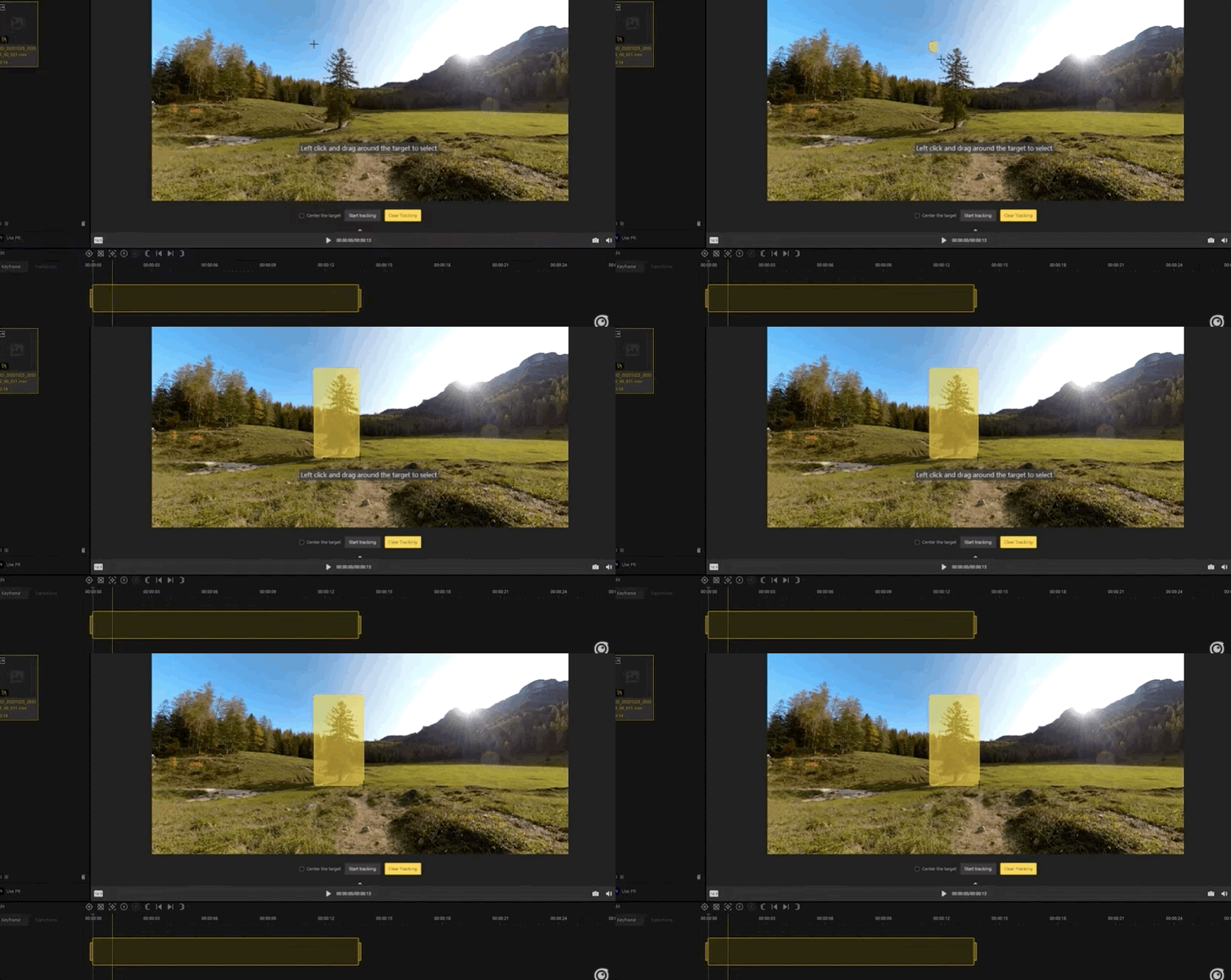
The reframed footage 👇
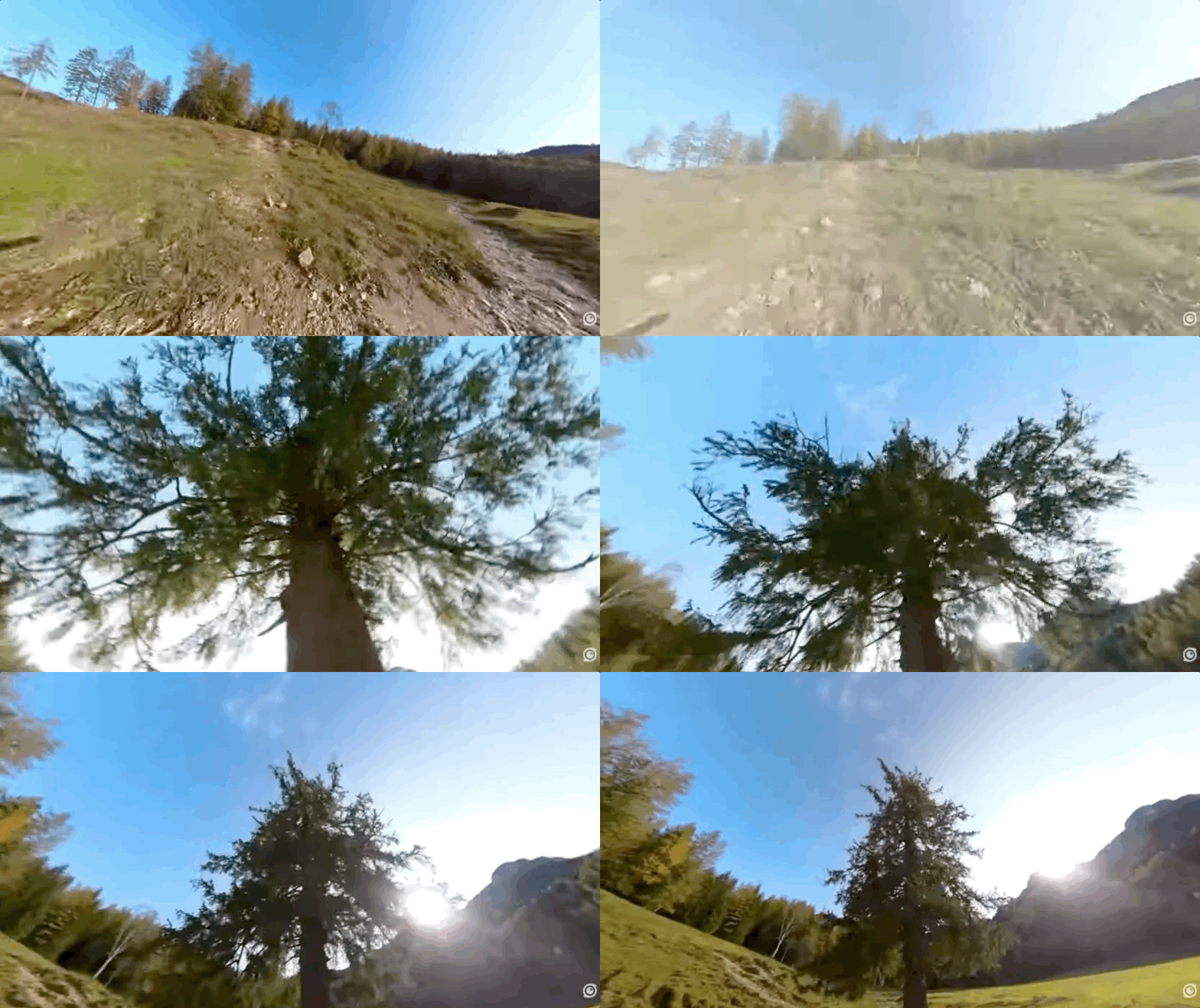
#Shoot 4
Tilt shot -09:29
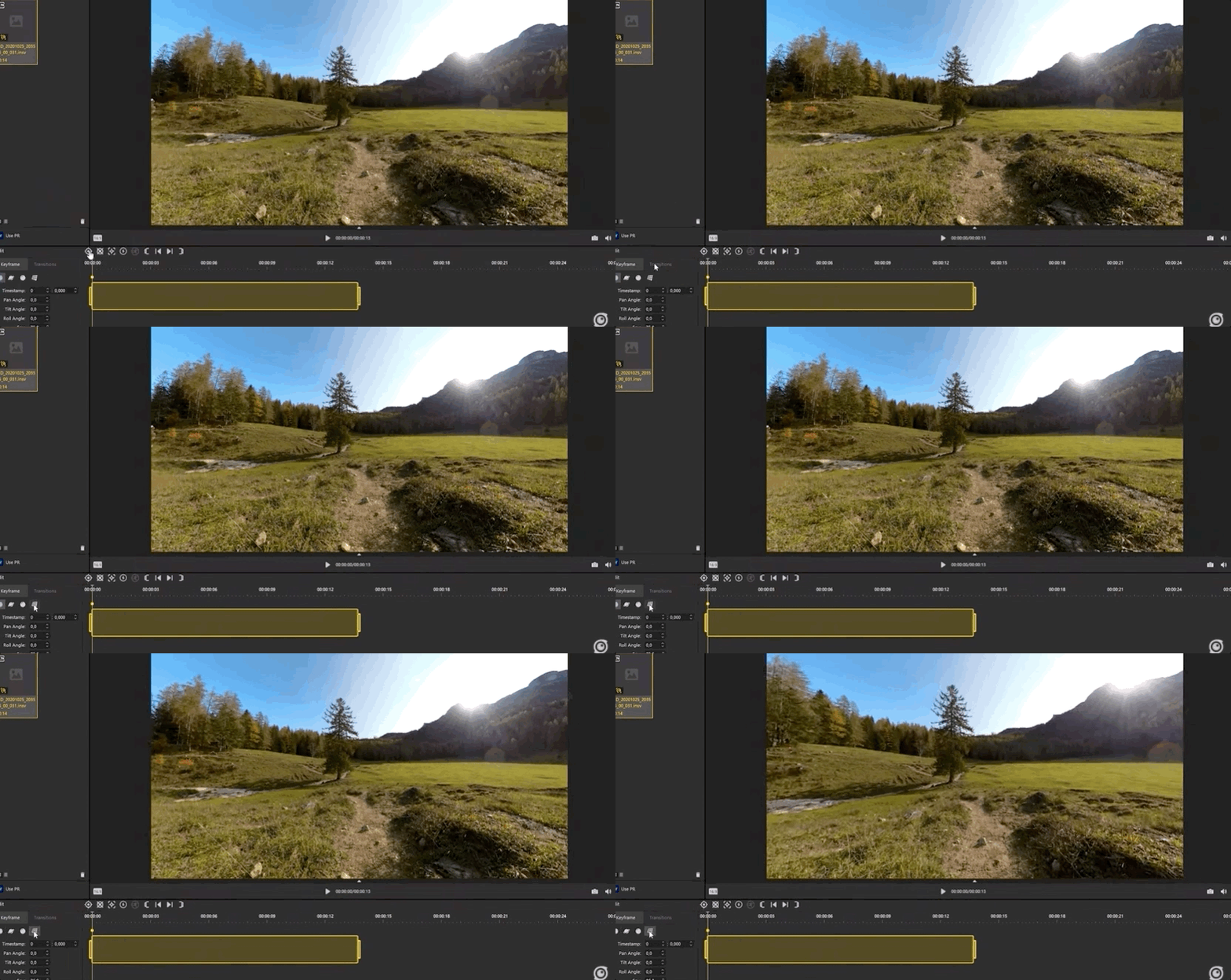
The reframed footage 👇
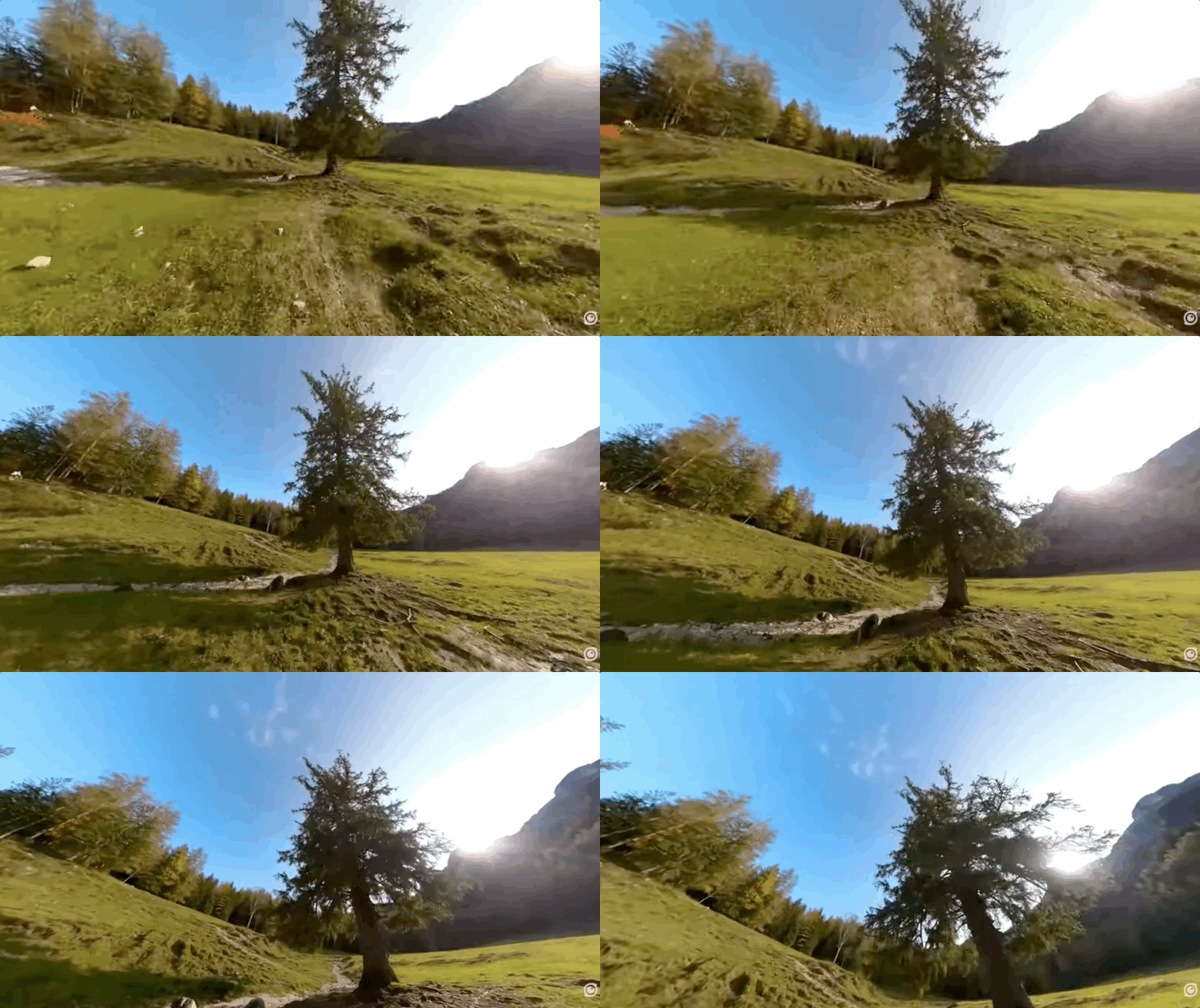
#Shoot 7
360 roll -10:15
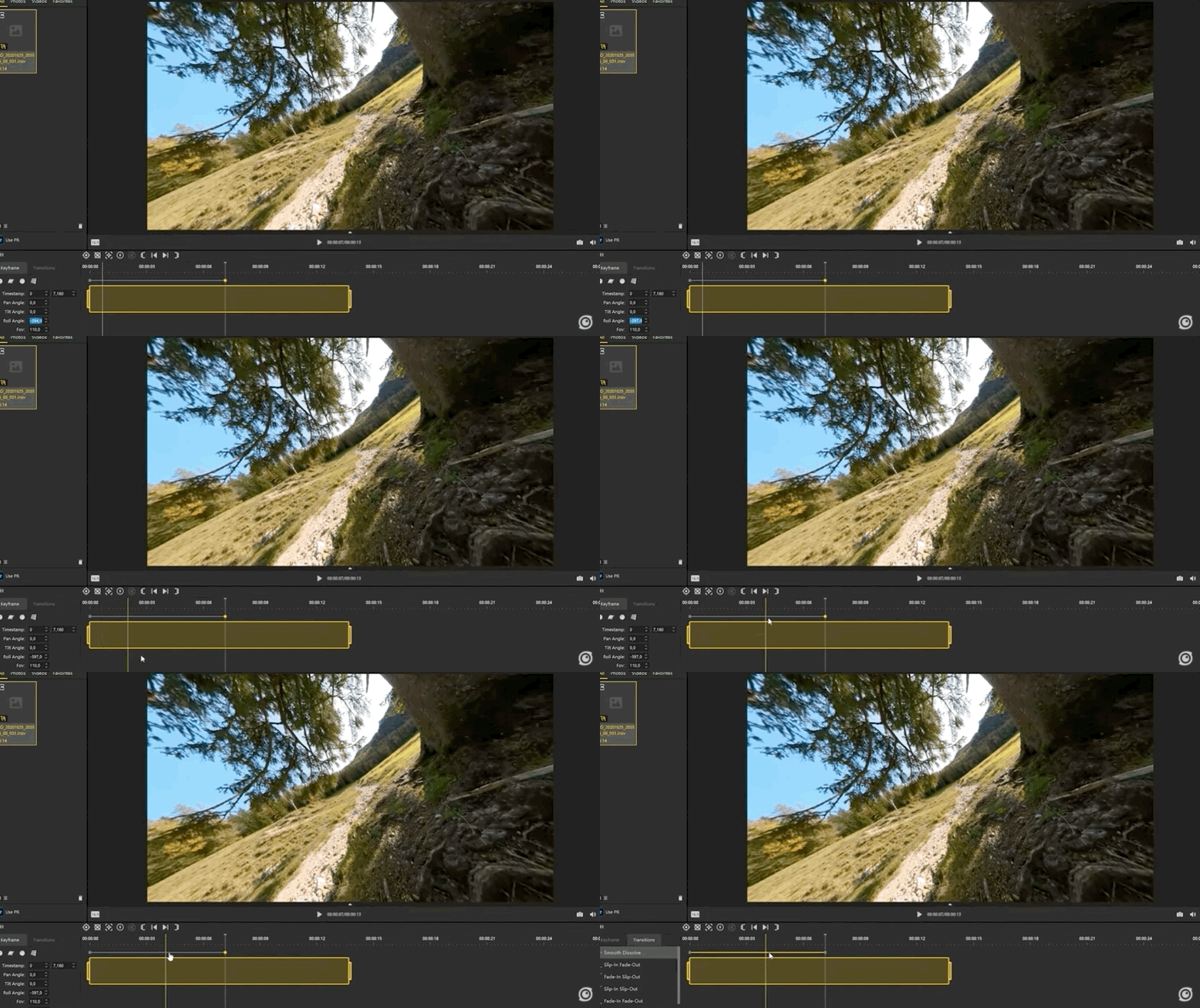
The reframed footage 👇
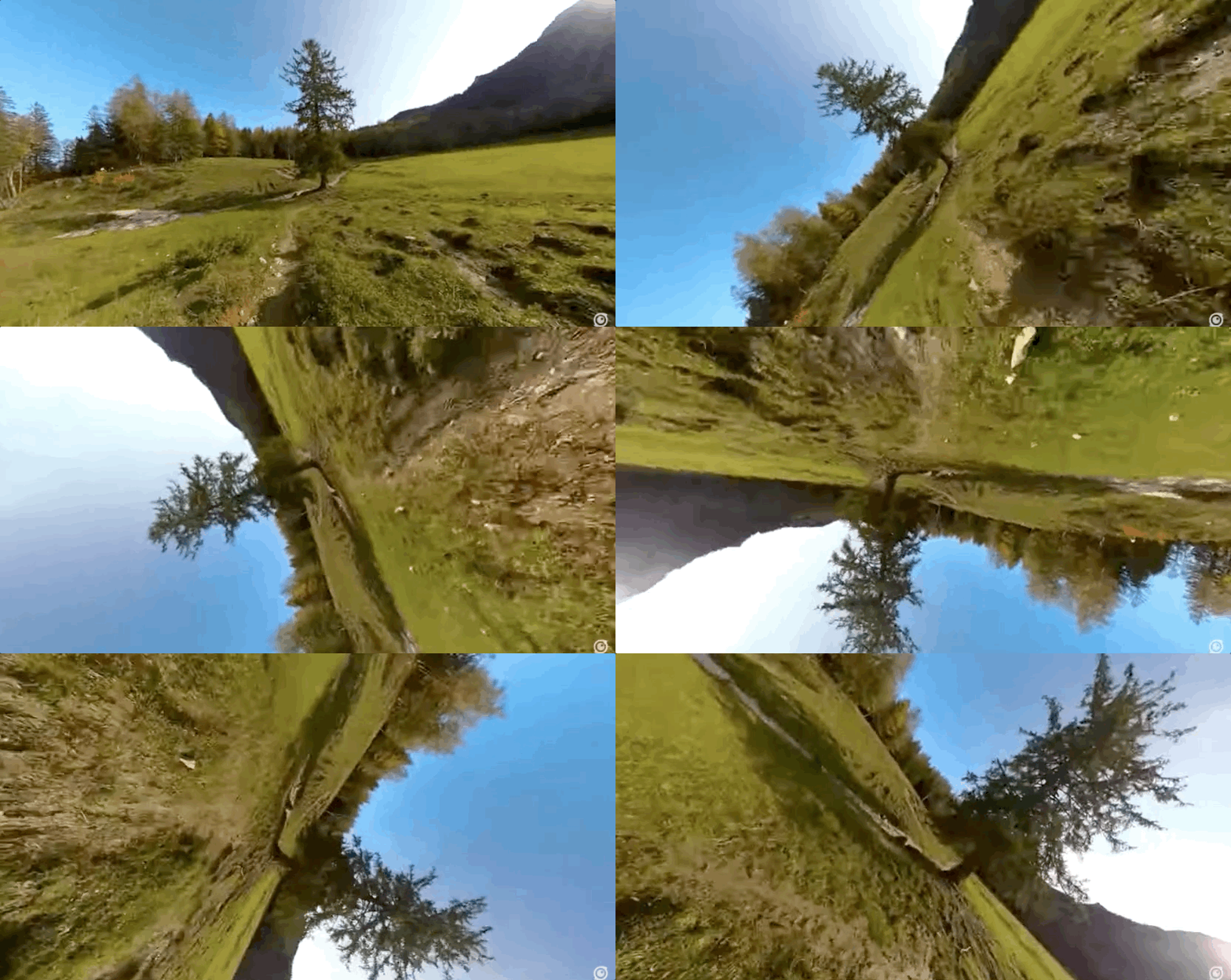
#Shoot 8
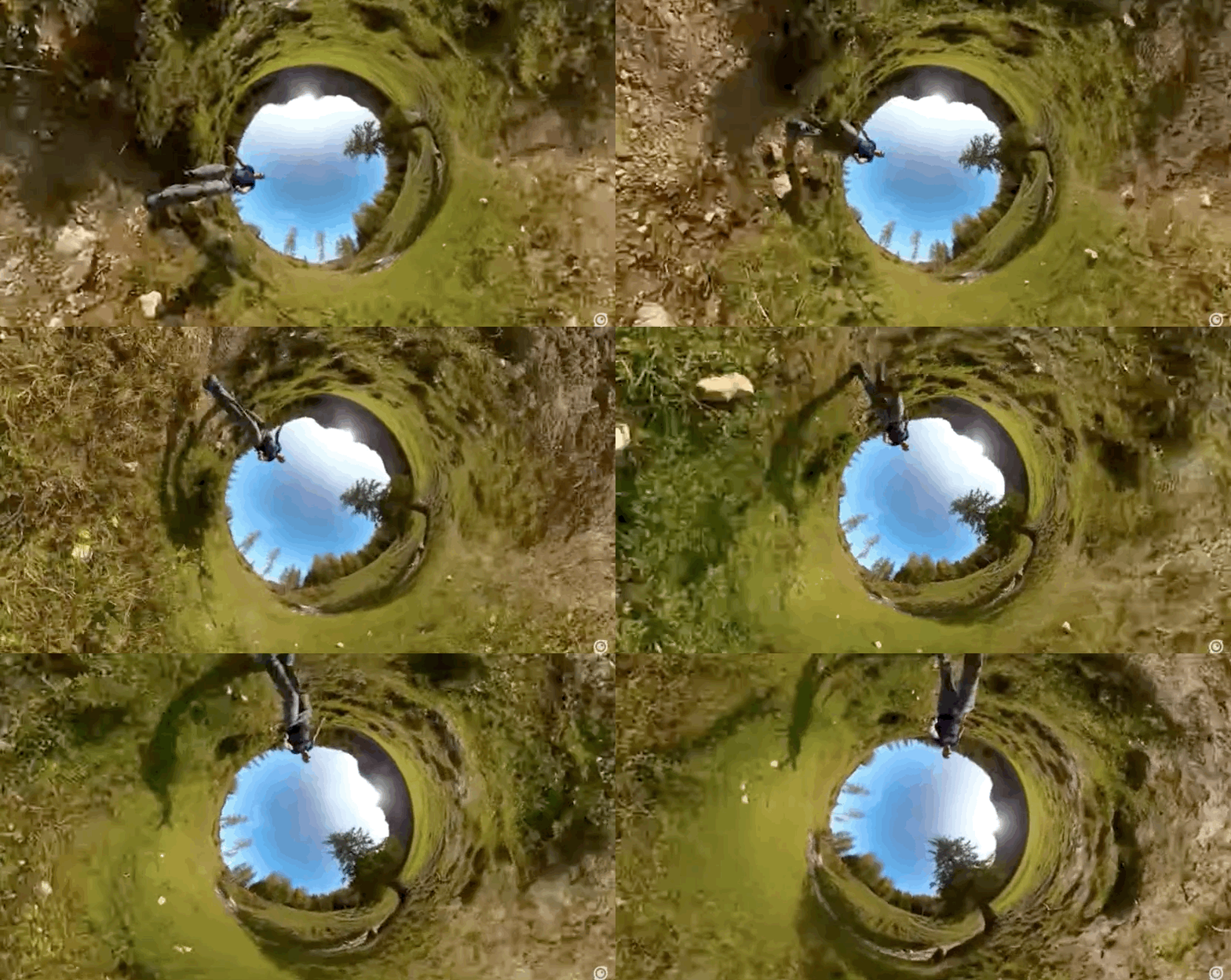
Inverted Tiny Planet -11:11
You might also like 🙌 :