Trick - Drift Shot
Shooting Equipment: Insta360 ONE X, Insta360 Drifter
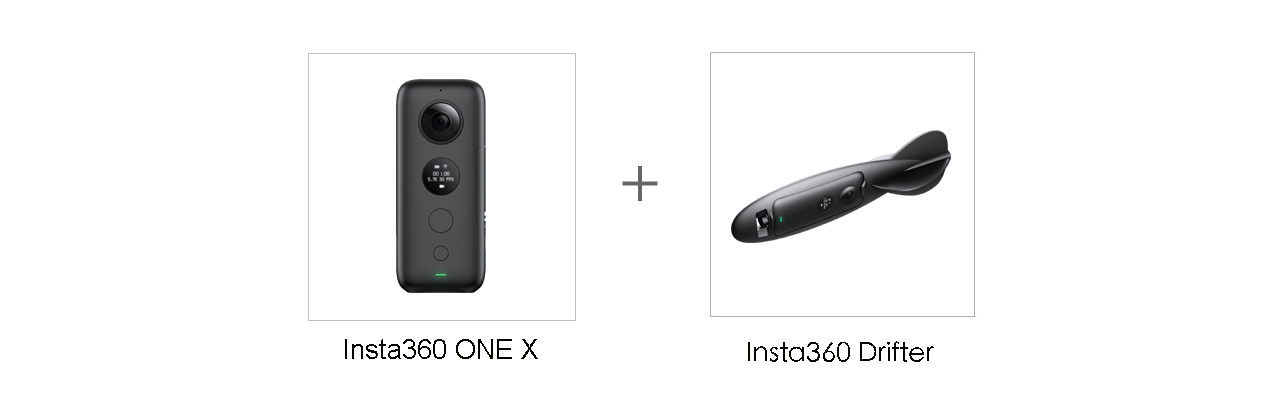
Suitable For: 2 people or above
Shooting Scene: Outdoor places with spacious room
Tutorial:
1. Safety first!
Ensure you are throwing the camera according to our safety guidelines shown in your manual. Make sure you’re throwing over even ground without any debris, and you don’t throw the drifter with too much force.
2. Setup for video recording
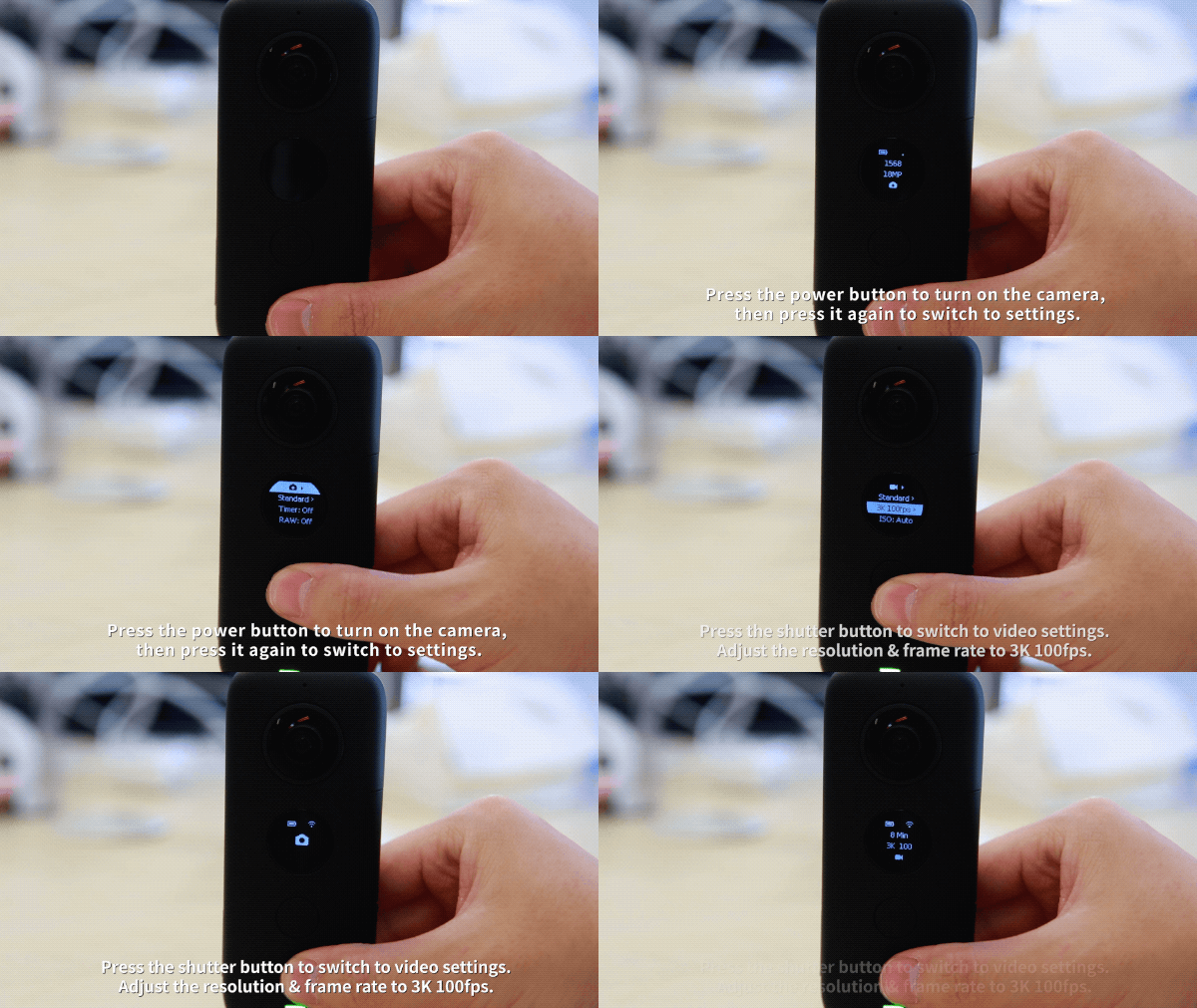
Press the power button (the small one) to turn on the camera, then press the power button again to switch to settings. Press the shutter button (the large one) to switch to video settings. Adjust the resolution & frame rate to 3K 100fps.
3. Snap ONE X into the Drifter accessory and let it take flight
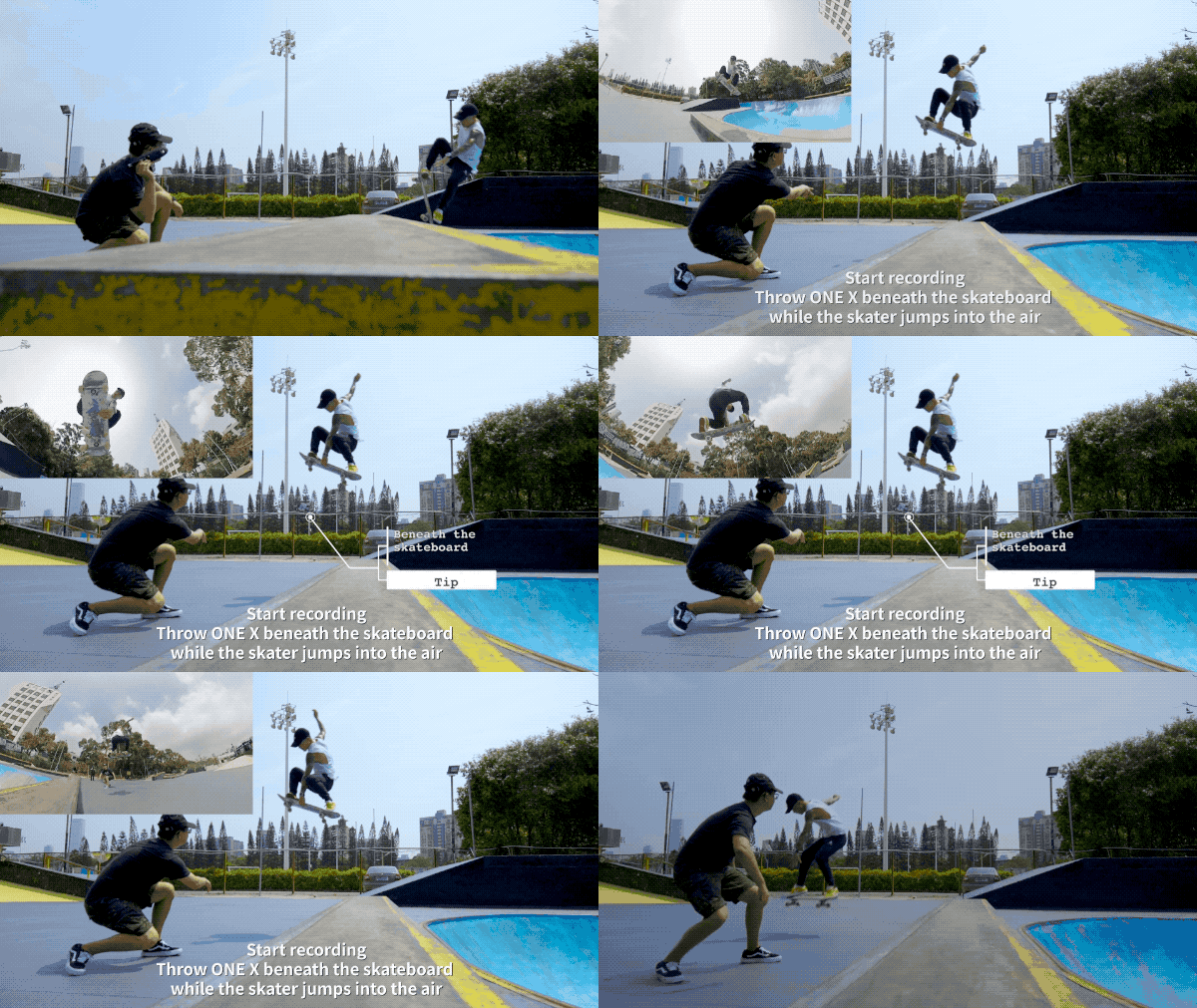
Put the ONE X into Insta360 Drifter accessory. In 3K@100fps recording mode, press the shutter button to start recording. As one person jumps, the other one throws the camera to capture the shot.
4. Use the FreeCapture function to edit
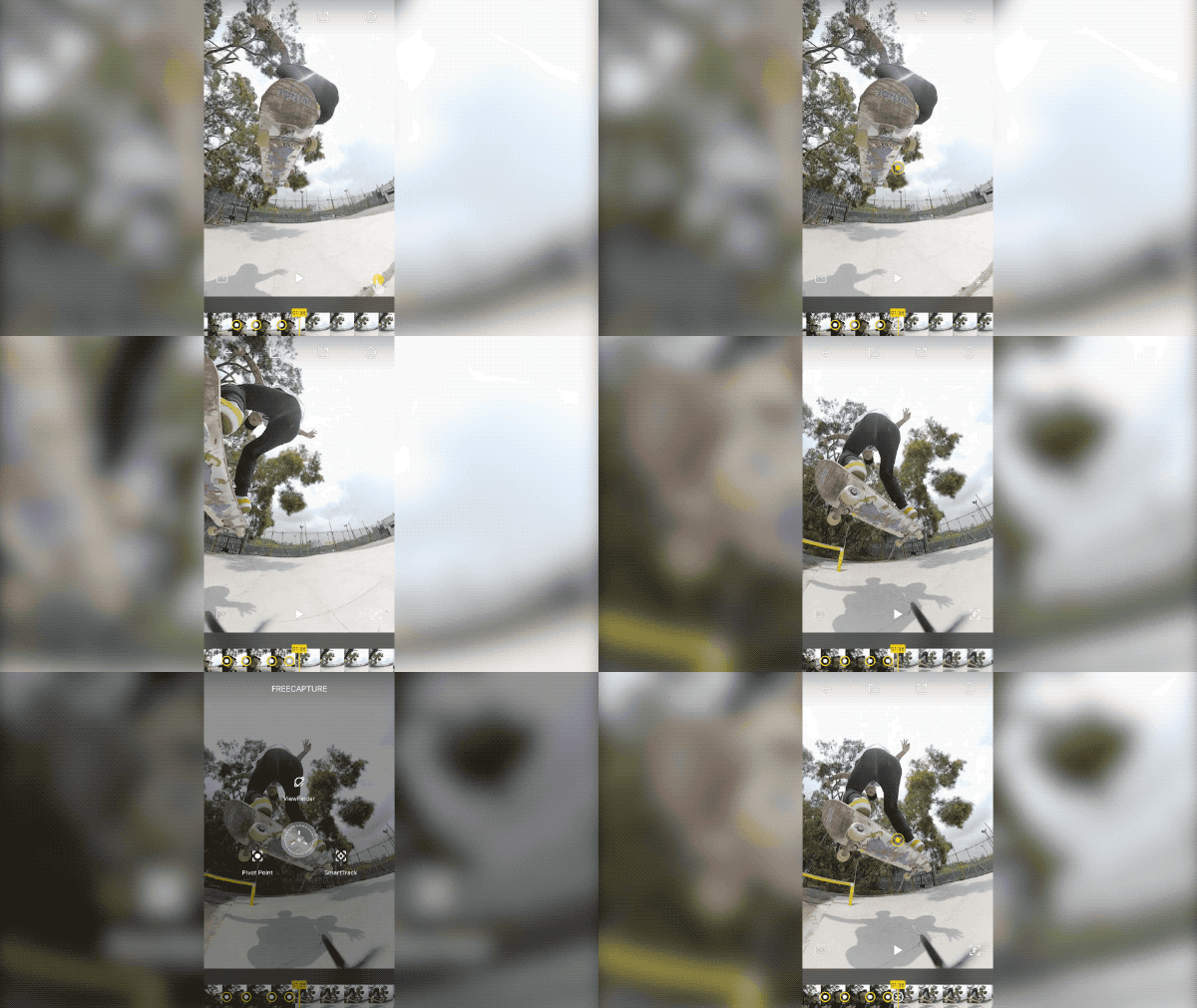
Connect the ONE X to your phone, open the ONE X App, then download the video from the camera to your App Album. Go to the video edit page, press the button in the lower right corner or long-press on the screen to use the FreeCapture function. Choose a Pivot Point to adjust perspectives and reframe the best parts of your shot.
5. Adjust the speed and export the video
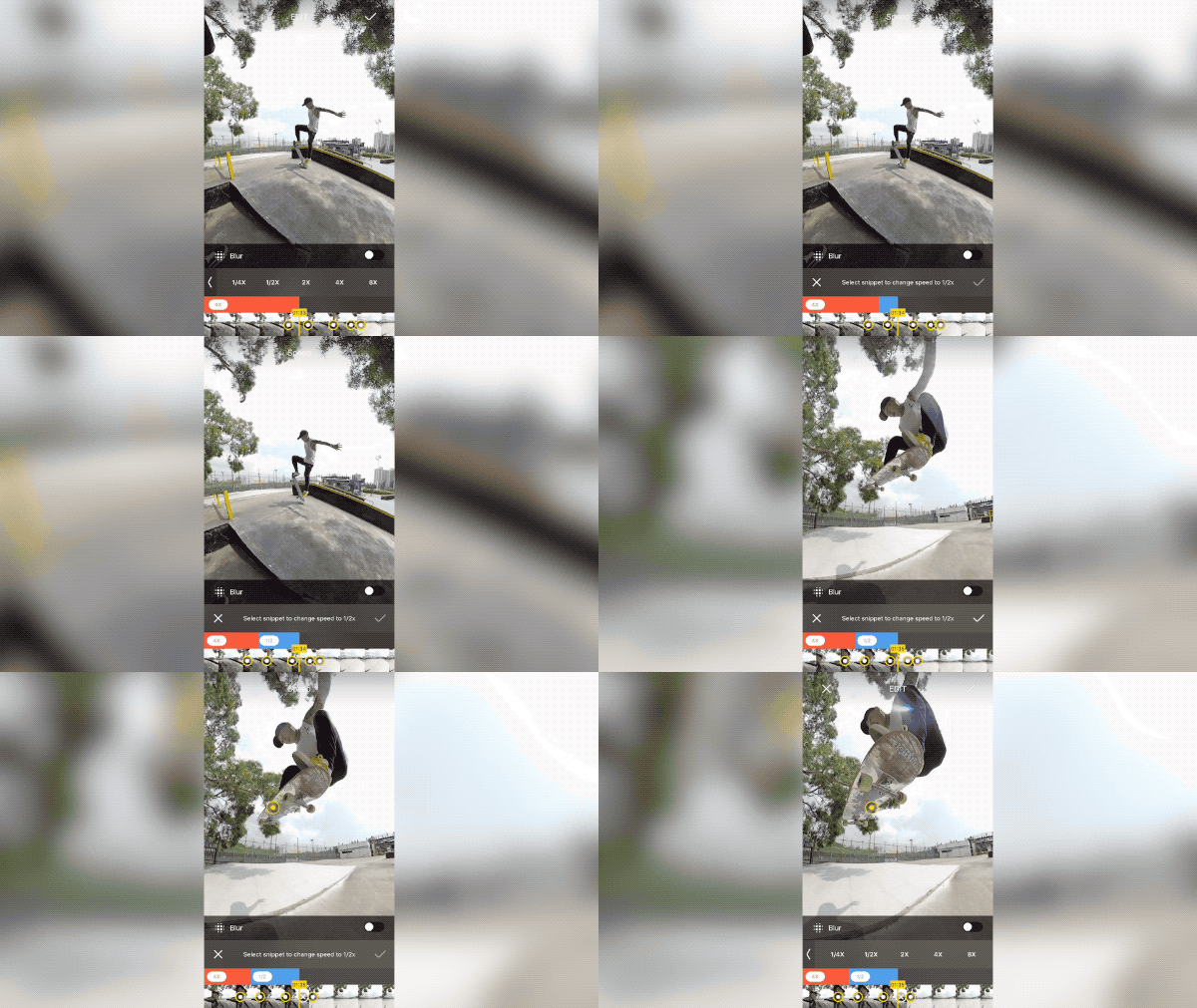
We recommend selecting a speed of ½ action shot and speed of 4X for the rest. Share your video to Insta360 Community or your local album. Please note that the adjusted speed only takes effect after exporting.
Note - For 3K 100fps video, 4X is ordinary playback speed.
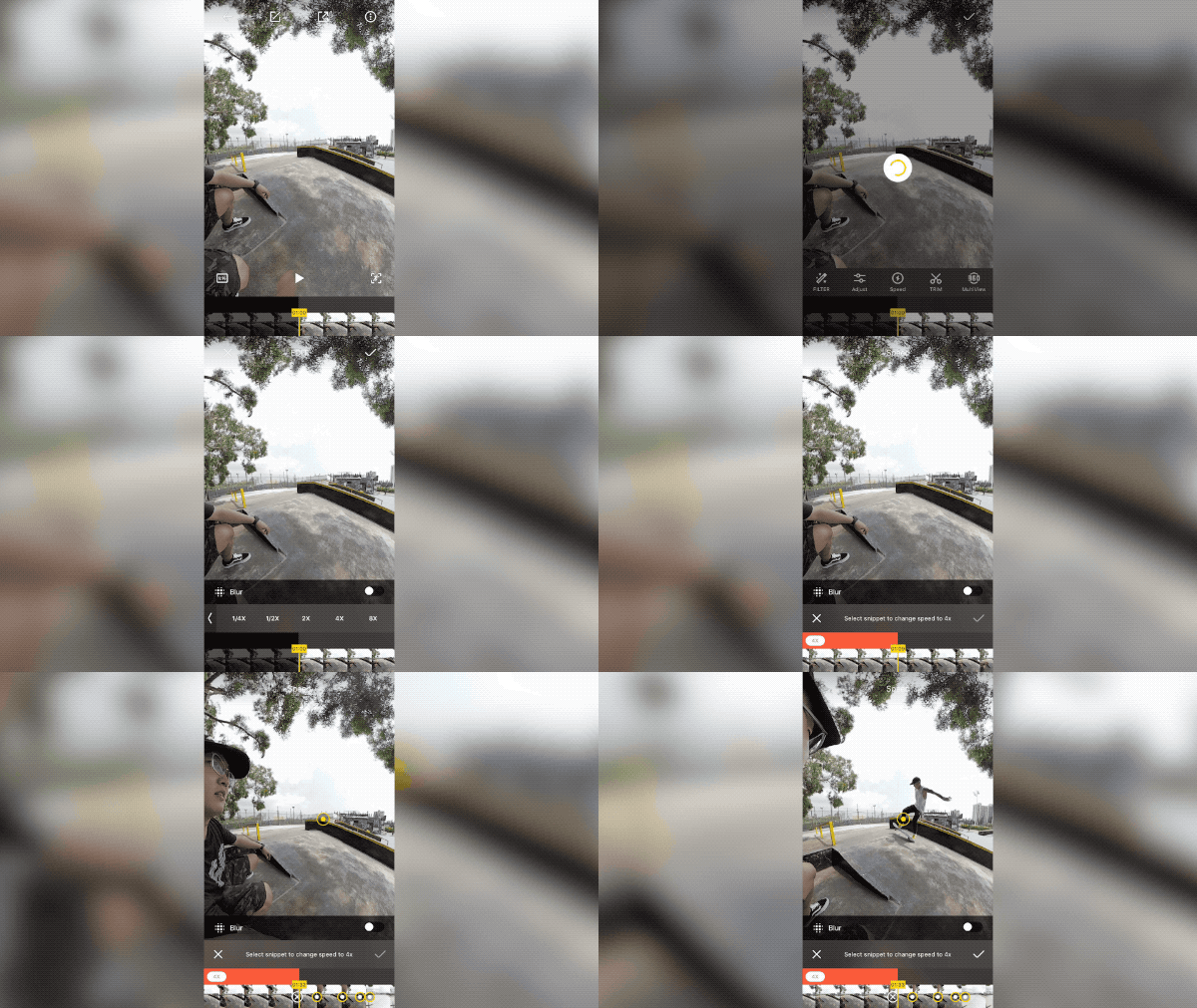
Adjust the speed to ½X for the jumping part.
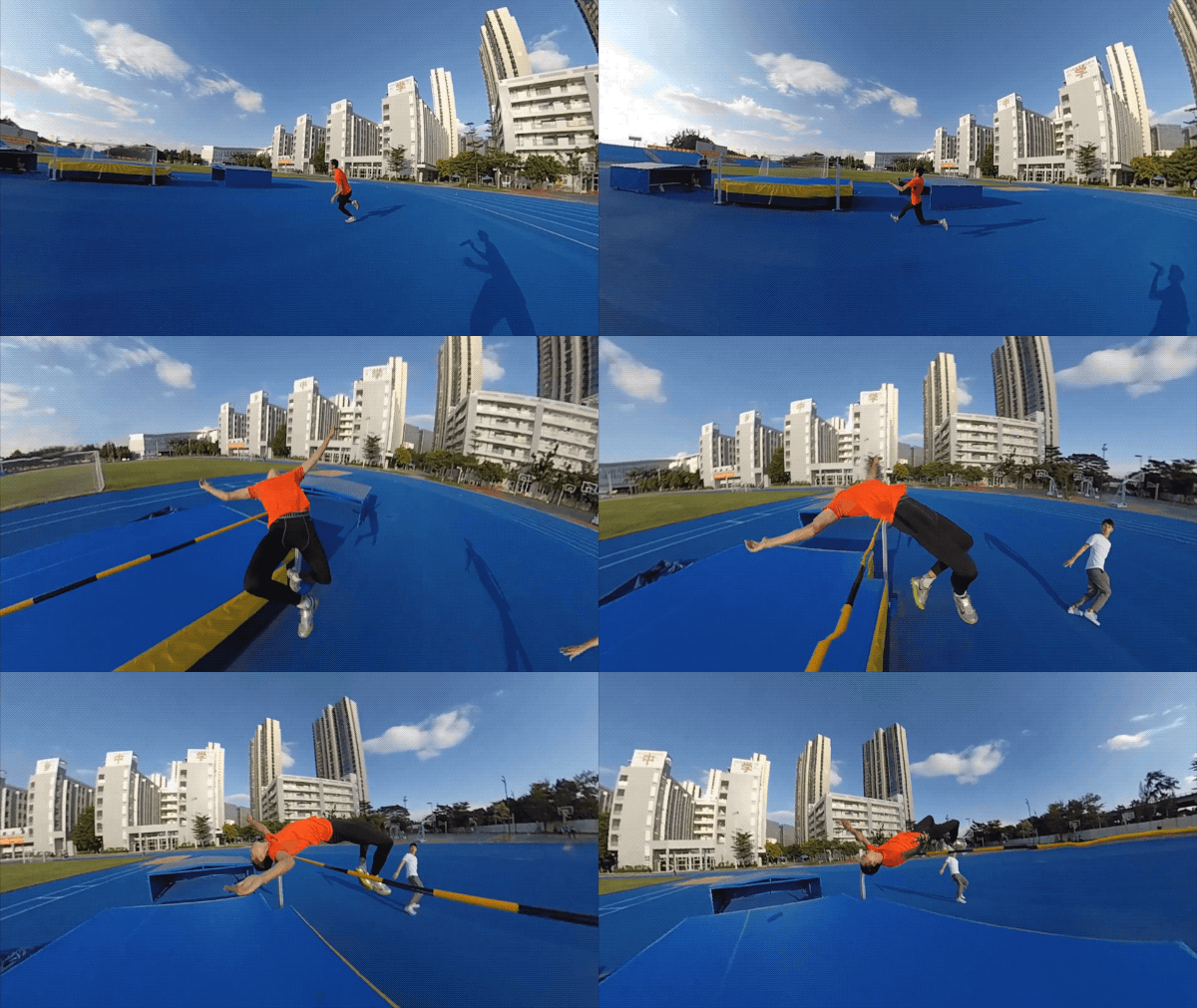
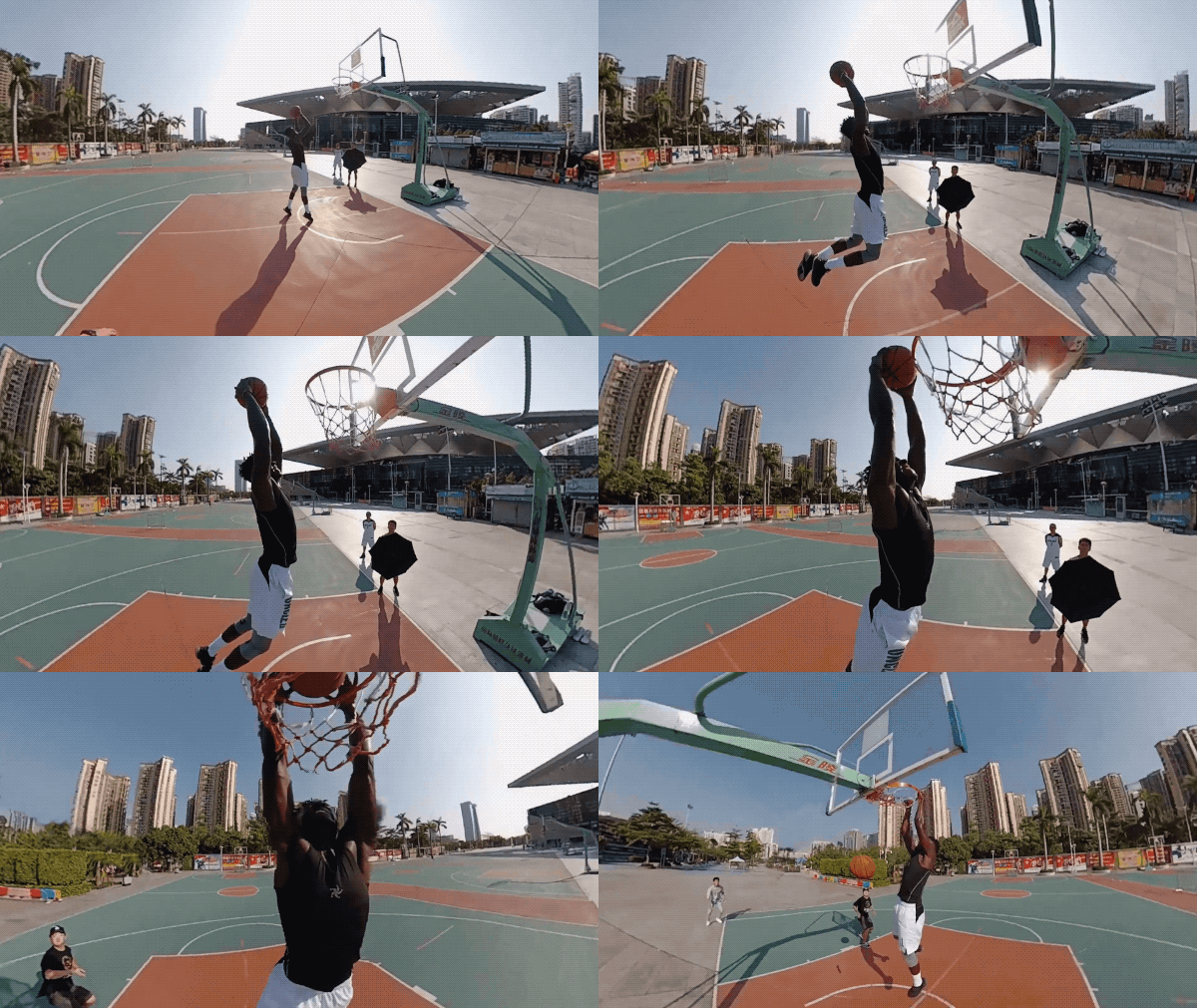
Here are a few examples to get you inspired:
Tips:
1. To get better effect, it’s recommended to have gyro calibration and stitching calibration before shooting.
2. Add background music in your video to spice it up and make your work more outstanding!

How to Participate
I. Where to participate.
1. Participate in Insta 360 app: Tap "Explore" -- Tap the yellow "+" button -- Select your submission -- Add tag #DriftShot and share!
2. Participate on the Community Forum: Alternatively, create a post with #DriftShot in the title on Insta360 Community Forum - Creator Shots board.
II. What you will win.
The best entries will be featured on the Insta360 app and Community Forum for users around the world. Insta360 Gold will also be rewarded. Get creative!