Trick - How to shoot epic low angles
The kind of shots you’re used to are likely from eye level, perhaps even bird’s eye if you have a drone. However, we rarely see photos or video shot from epic low angles, they’re traditionally shaky, and tough to shoot, until the ONE X came along with stabilization and ease of use!
Here’s how you can shoot epic low angles:
Preparation
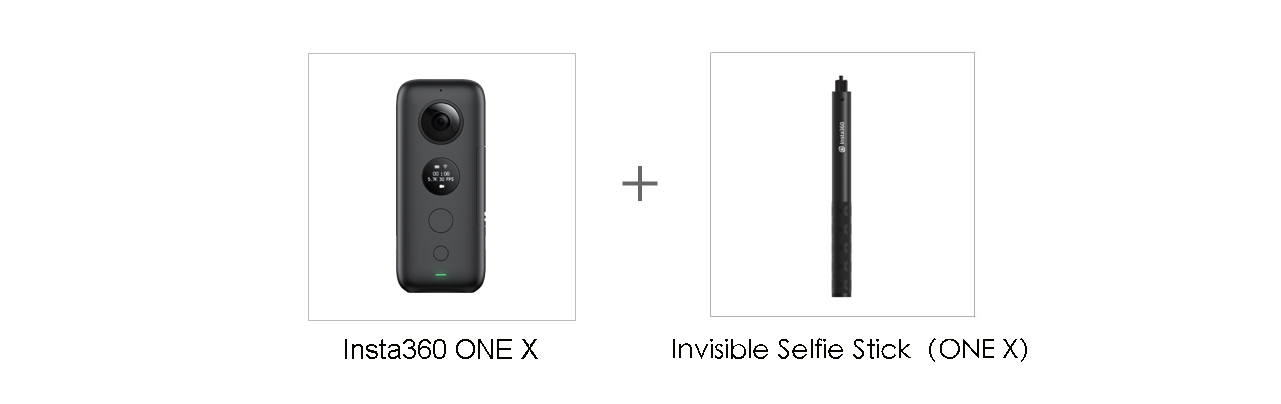
Shooting Equipment:Insta360 ONE X/Insta360 ONE, Invisible Selfie Stick
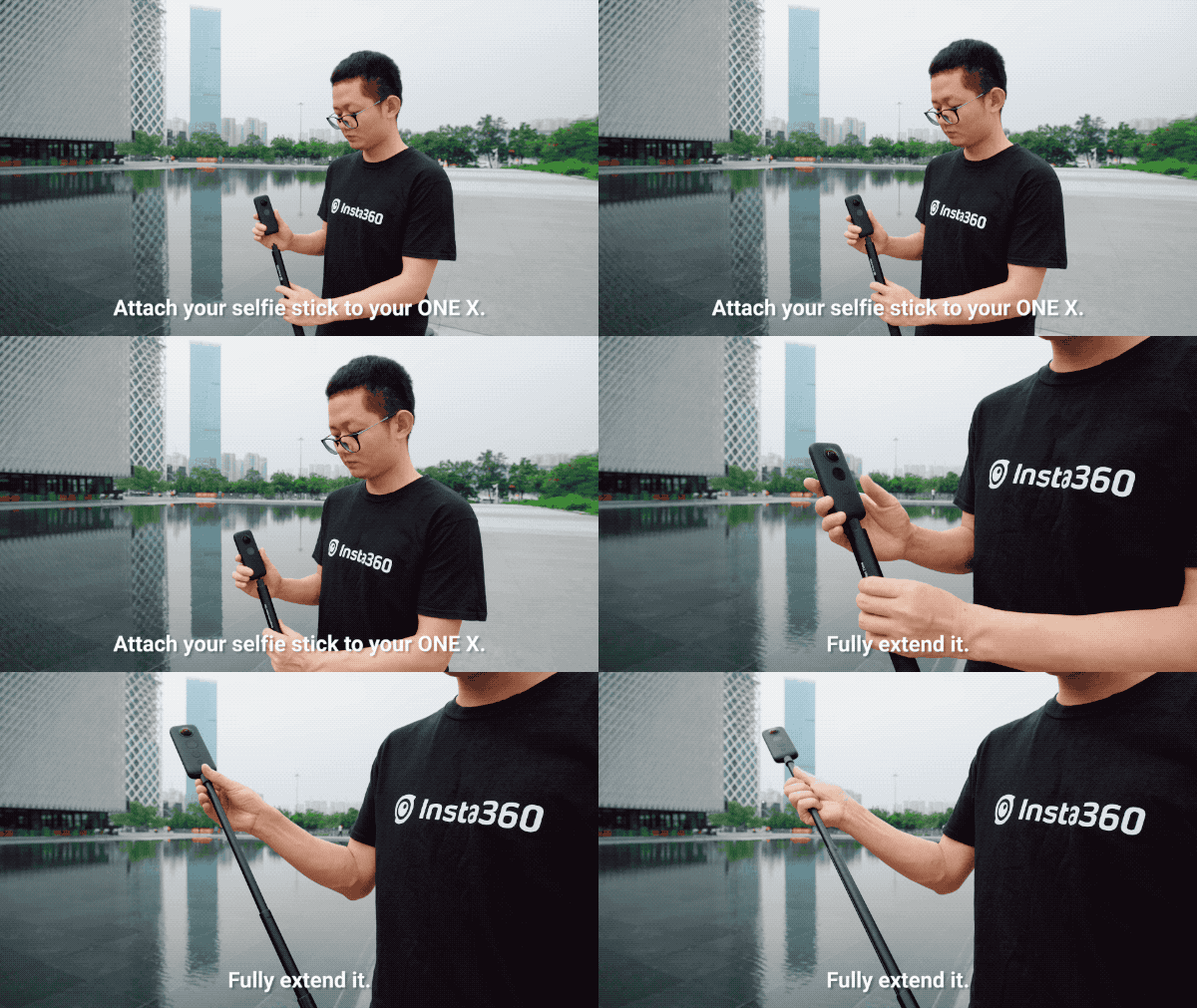
1.Attach your selfie stick to your ONE X and extend it fully.
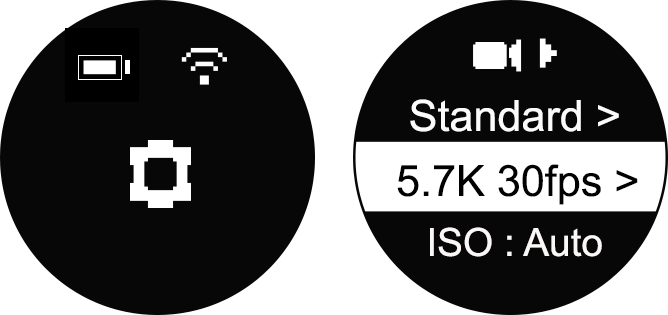
2.Turn on your ONE X, enter Settings-Video Settings – Resolution & Frame Rate, select whichever resolution and FPS you need to get that epic shot. (5.7K30fps/4K50fps/3K100fps)
Try these angles out:
1.Shoot from the side at an angle close to the ground.
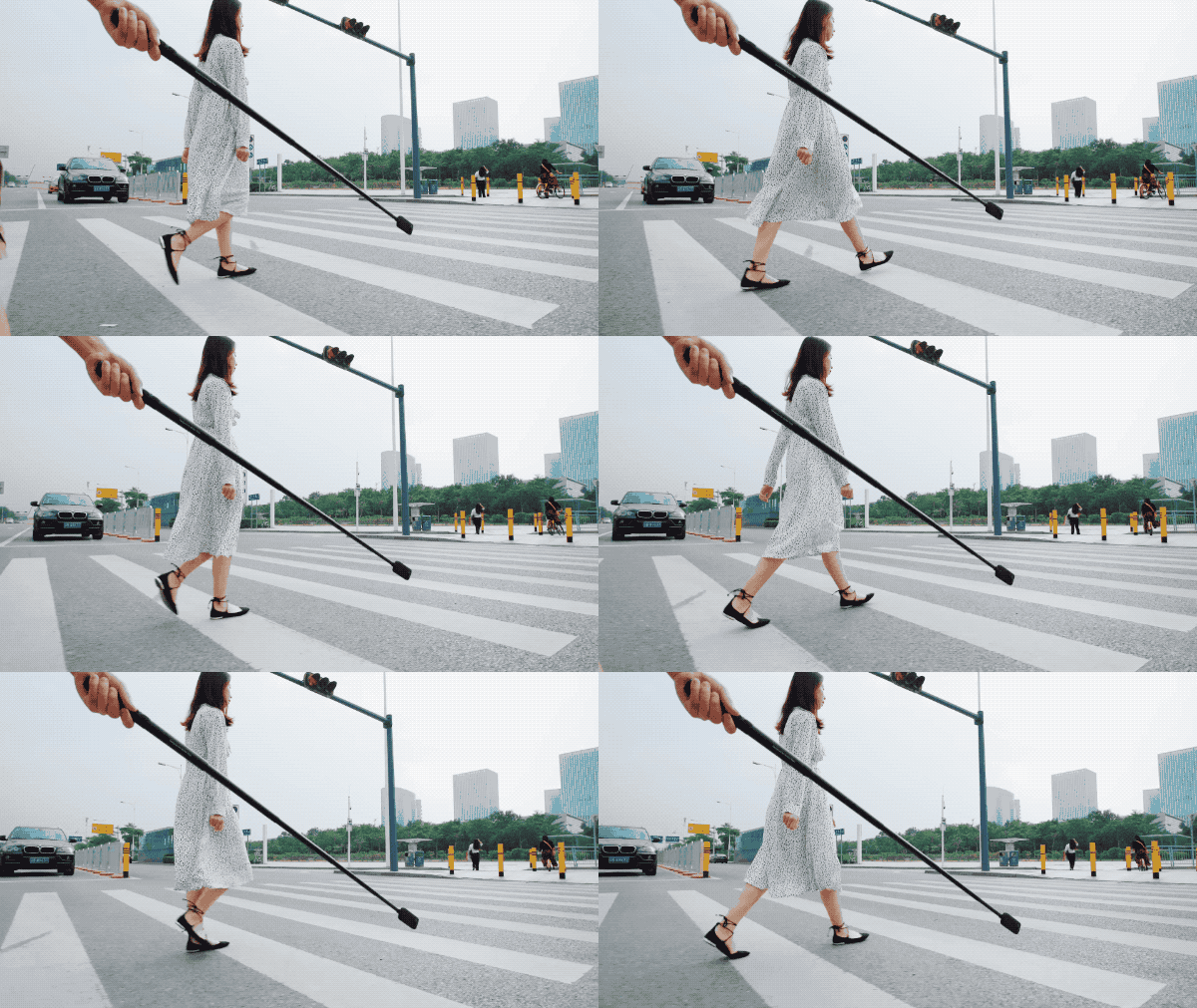
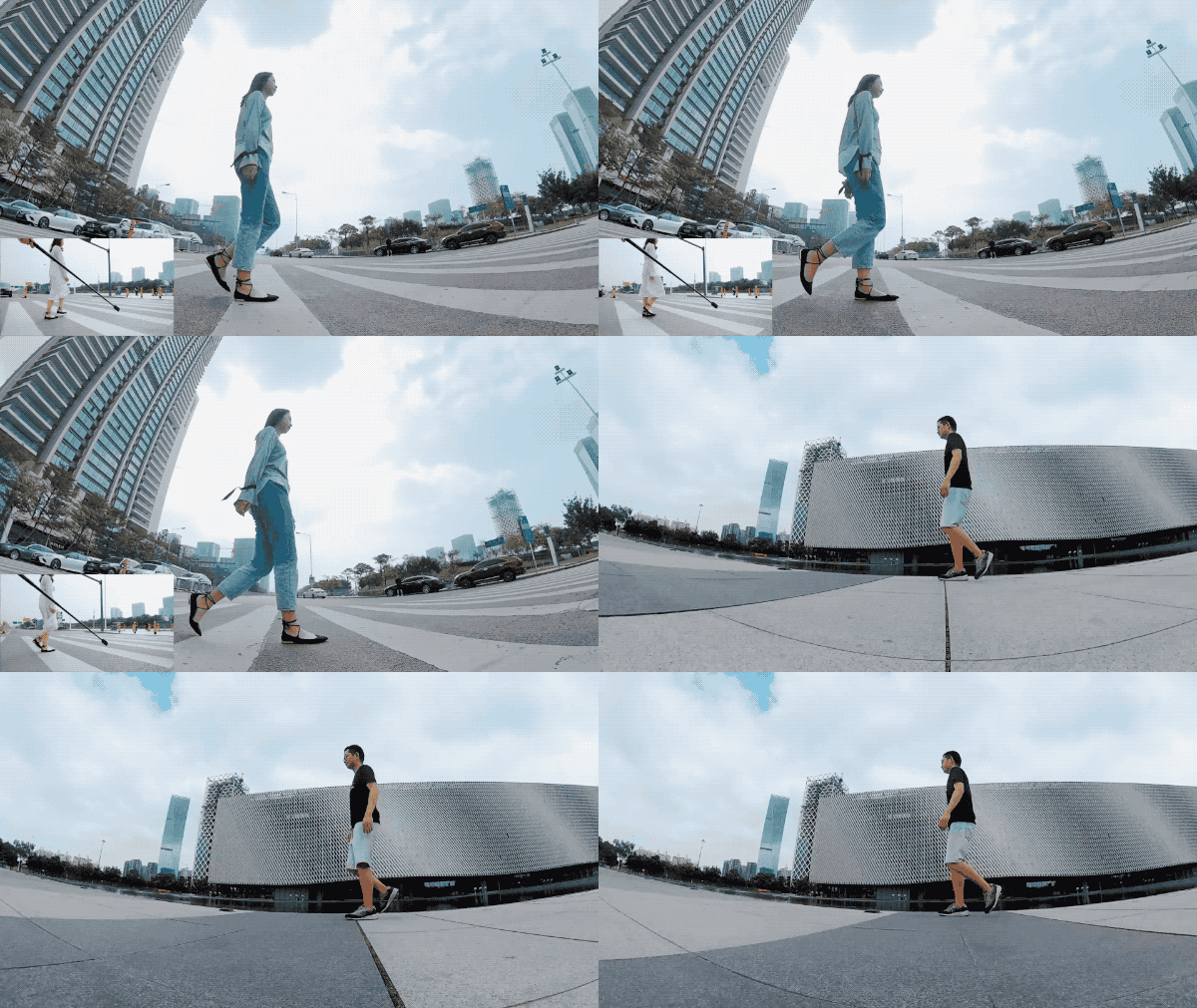
2.Walk in an arc with your subject in the middle of that arc. Remember to keep the ONE X close to the ground
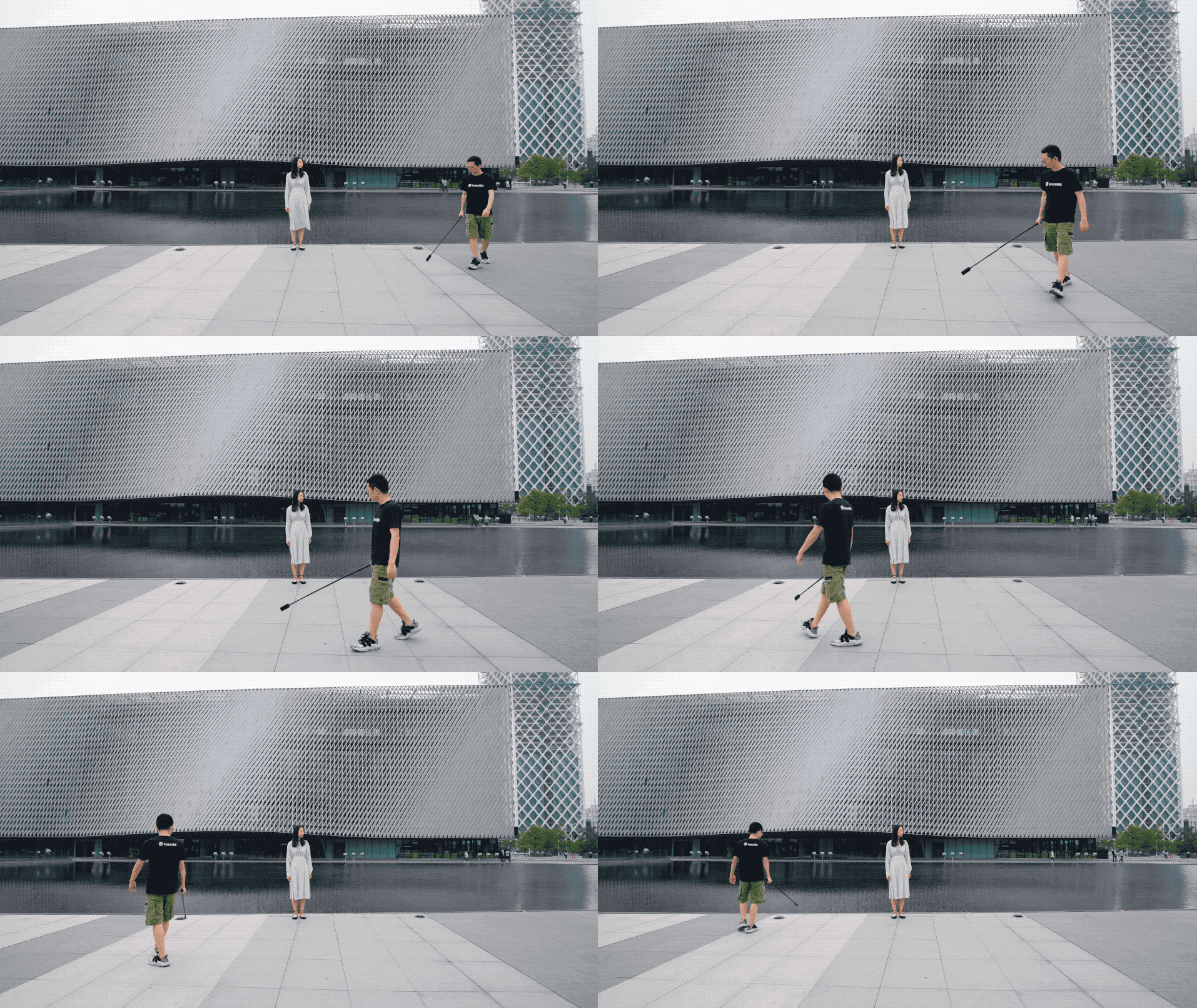
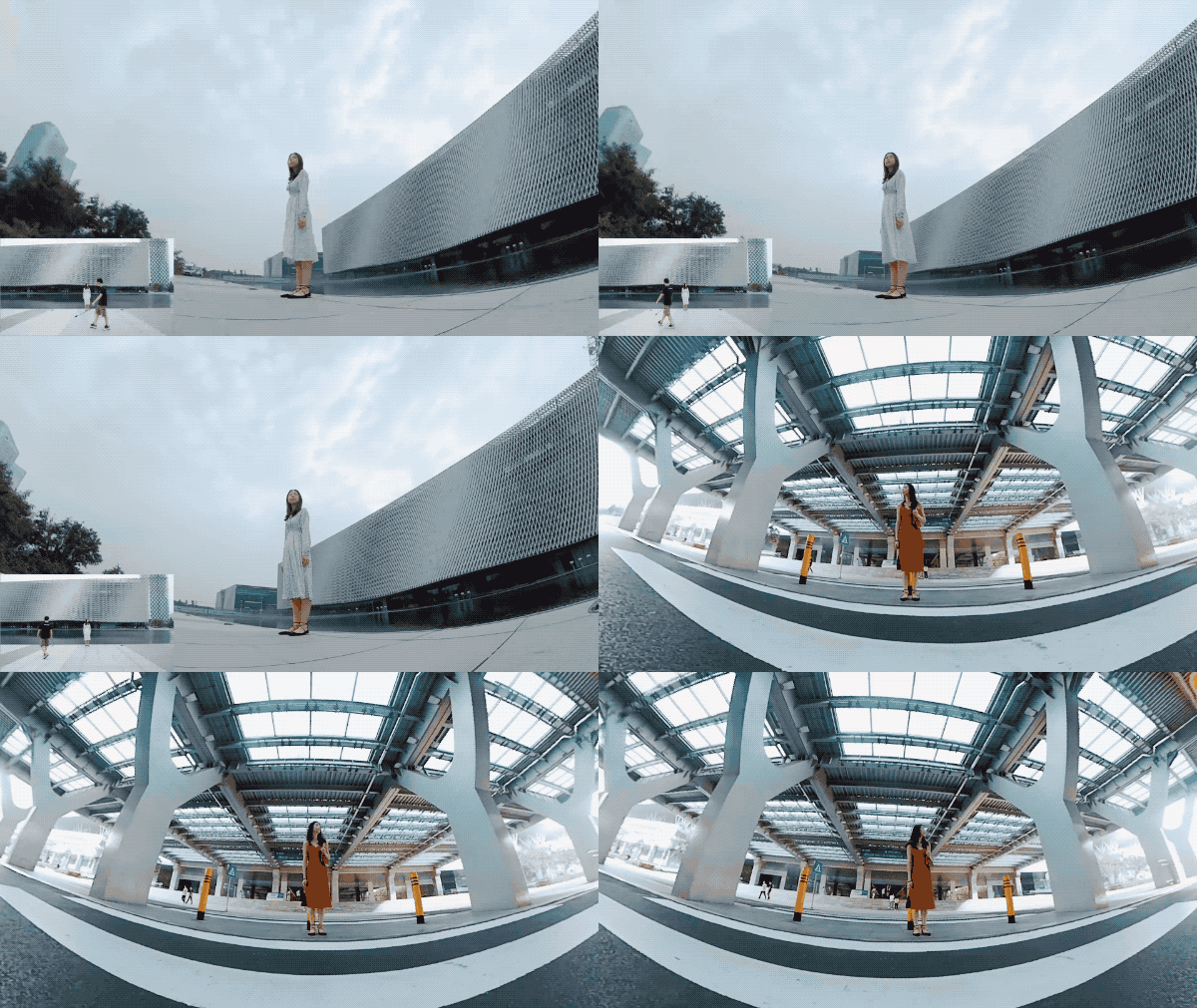
Tips:
1.Use the Insta360 App or other 3rd party software to add music to your video.
2.Play with the playback speed to match the music you chose.

How to Participate
I. Where to participate.
1. Participate in Insta 360 app: Tap "Explore" -- Tap the yellow "+" button -- Select your submission -- Add tag #EpicLowAngle and share!
2. Participate on the Community Forum: Alternatively, create a post with #EpicLowAngle in the title on Insta360 Community Forum - Creator Shots board.
II. What you will win.
The best entries will be featured on the Insta360 app and Community Forum for users around the world. Insta360 Gold will also be rewarded. Get creative!